The Refill That Ships Itself: A Field Guide to Auditing Auto-Ship Before Your Card Gets Hit
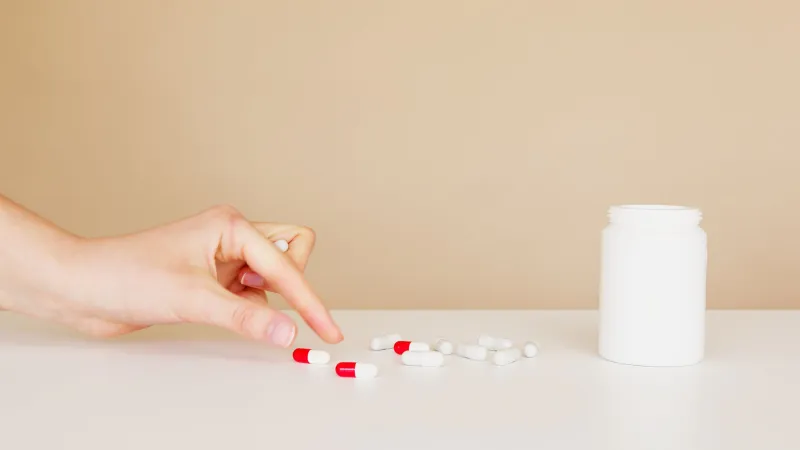
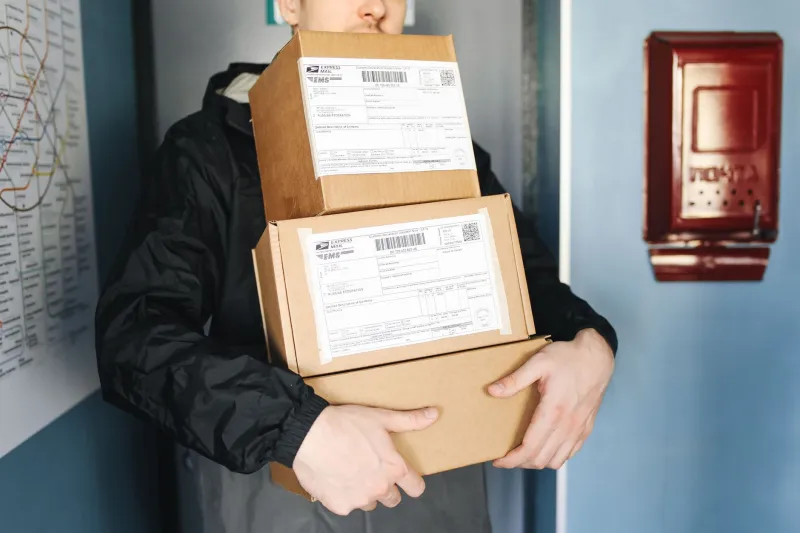
There's a specific kind of mailbox dread that arrives a few weeks after you fill a prescription online: a padded envelope or a small box you don't remember ordering, sitting next to the electric bill. You open it. It's your medication. Again. And somewhere between the packing slip and the charge notification, you realize the checkout screen made a decision for you.
Auto-ship isn't inherently shady. For people on stable, long-term meds, it can be genuinely convenient. The problem is the default. A pre-checked box on the final screen, a "manage your refills" toggle buried three menus deep, a phone tree that never mentions the word "cancel." The setup favors the pharmacy's recurring revenue, not your actual supply. So before the next shipment rolls out, it's worth taking ten minutes to audit what you've accidentally agreed to.
First, Figure Out Which Kind of Auto You're On
Not all recurring orders are the same animal, and the off switch lives in a different place depending on which one you've got.
- Auto-refill usually means the pharmacy will refill your existing prescription on a schedule and bill you automatically. You may still have to approve the shipment, or you may not.
- Auto-ship is a delivery subscription. The pharmacy ships a set quantity on a set interval, often at a slight discount, and charges the card on file.
- A membership or subscription plan is a separate fee, sometimes bundled with free shipping or discounted fills. Canceling the membership doesn't always cancel the shipments, and vice versa.
Before you touch anything, log in and screenshot whatever your account calls your current plan. If the language is vague, that's a clue to call and ask directly: "Is this an auto-refill of a prescription, or a recurring shipment I opted into?" Get the answer in writing if you can.
The Switch Hides in Three Places
Most people look in one spot, don't find it, and give up. Check all three.
1. The prescription itself. Go to your account, open the specific medication, and look for a tab labeled Manage, Refill Settings, or Delivery Schedule. This is where per-medication auto-refill usually lives. Turning off auto-ship for one drug doesn't necessarily turn it off for the others.
2. The checkout confirmation page. Scroll back through your order confirmation email. Many pharmacies tuck a pre-checked consent box into the final step, and the confirmation email is the only record of what you technically agreed to. If you don't see the option in your account settings, this is often why.
3. The phone or chat queue. Some sites make auto-ship opt-out a customer-service task by design. If you can't find a toggle, open a chat and ask the rep to disable recurring shipments and send a confirmation email. Save that email. It's your proof if a charge shows up later.
Do the Days-Supply Math Before You Trust the Date
Here's where things get sneaky. A pharmacy can honestly list a 90-day supply and still ship it every 60 days if the refill clock is set to the prescription's fill date rather than your actual consumption. Or you might skip weekends, or split tablets, or take a drug only as needed, and the pharmacy's schedule never catches up.
Do a quick calculation. If you take one tablet daily and receive a 90-day supply, your next shipment should land around day 80, not day 55. Compare the posted next-ship date to the number of pills actually left in the bottle. If the gap is wider than a week or two, the schedule is working against you. Also separate three dates that often get blurred together: the processing date, the ship date, and the charge date. The charge can hit before the box leaves the warehouse, which shortens your window to cancel.
Set Two Alerts, Not One
A single calendar reminder is better than nothing, but it's easy to swipe away. Set two.
The first should land about ten days before the posted ship date, labeled with the medication name and order number. That's your window to log in, check your supply, and pause if needed. The second should land two days after the expected delivery date, prompting you to check your card statement and confirm the charge matches what you expected.
If the pharmacy sends a "your order is being prepared" email, treat that as the real deadline. Find the cancellation cutoff in the fine print and note it. Many sites let you cancel up until the order enters fulfillment, and after that you're stuck waiting for the box.
If the Box Is Already on Your Porch
Don't panic, and don't open the outer packaging if you can avoid it. Many return policies require unopened, resalable merchandise, and opening the box can void your refund.
Start by finding the return window, which is often 14 to 30 days from delivery. Contact customer service immediately, ask for a return authorization number, and confirm whether they'll cover return shipping. If you never opted into auto-ship and the consent box was pre-checked without your clear action, say so directly and ask for a full refund rather than a store credit.
If the pharmacy refuses and you believe the charge was unauthorized, escalate to your card issuer. Credit cards generally give you a 60-day window from the statement date under the Fair Credit Billing Act; debit cards fall under Regulation E and often require faster action. Bring screenshots of your account settings, the confirmation email, and any chat transcripts. A paper trail is the whole game.
A Five-Minute Quarterly Check
Put a recurring reminder on your phone for the first weekend of every third month. Log in, screenshot your auto-ship settings, verify the shipping address and card on file, and check the next ship date against your actual pill count. It's boring, it takes five minutes, and it's the difference between a pharmacy that works for you and one that ships on its own schedule.